A little dog, a desktop, and a whole lot of accessories. Follow Pet That Dog from its first wobbly steps to the collection, customization, and Shop we’re building today.
Pet That Dog started with a simple idea: put a dog on your desktop and let it wander around while you do your thing.
We got the first dog walking along the bottom of the screen, then gave it a little hop, squash-and-stretch, and a flip when it turned around. The transparent window let the desktop show through, and our little companion started to take shape.
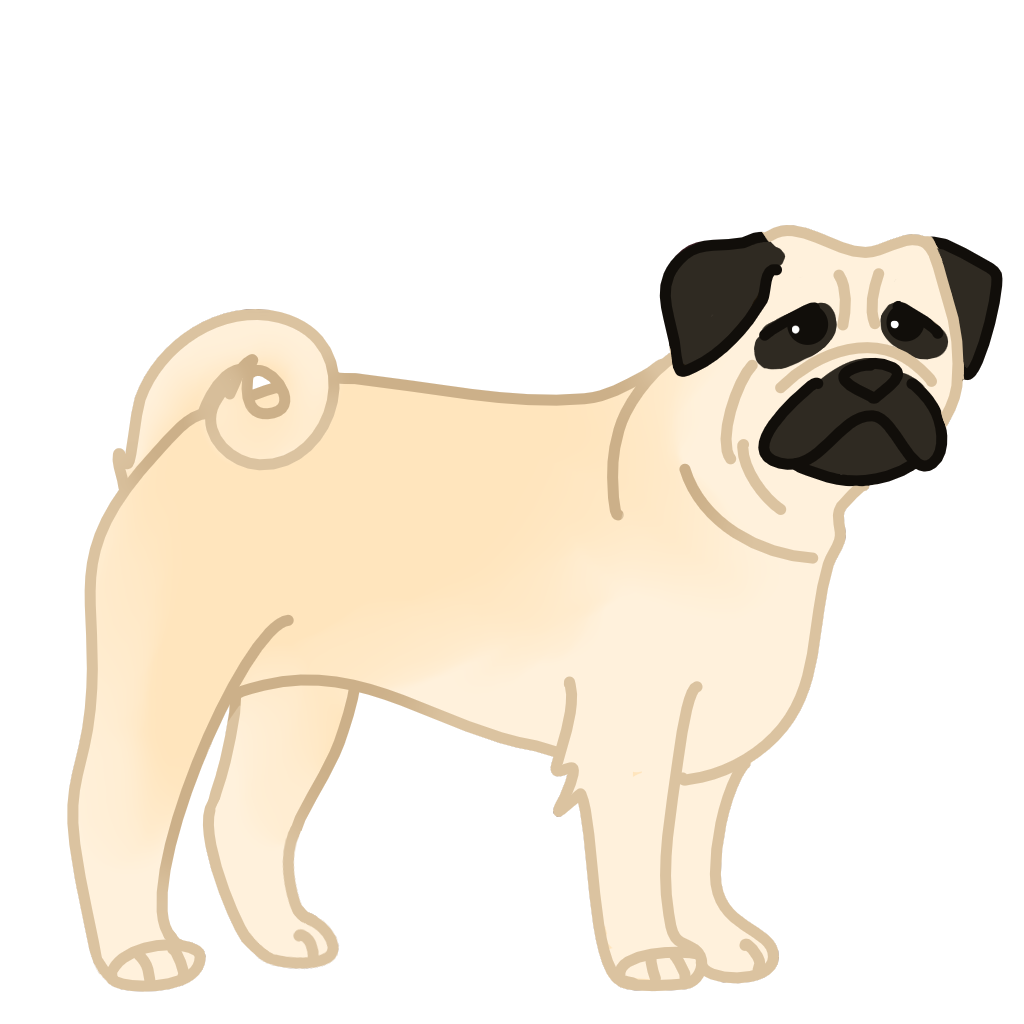
The original dog sprite, recovered from the May 28 project snapshot. This is artwork rather than a gameplay screenshot.The original heart sprite, from the same snapshot.
Our dog needed some controls! We added settings for size, transparency, click-through, and whether the dog stays on top of other windows.
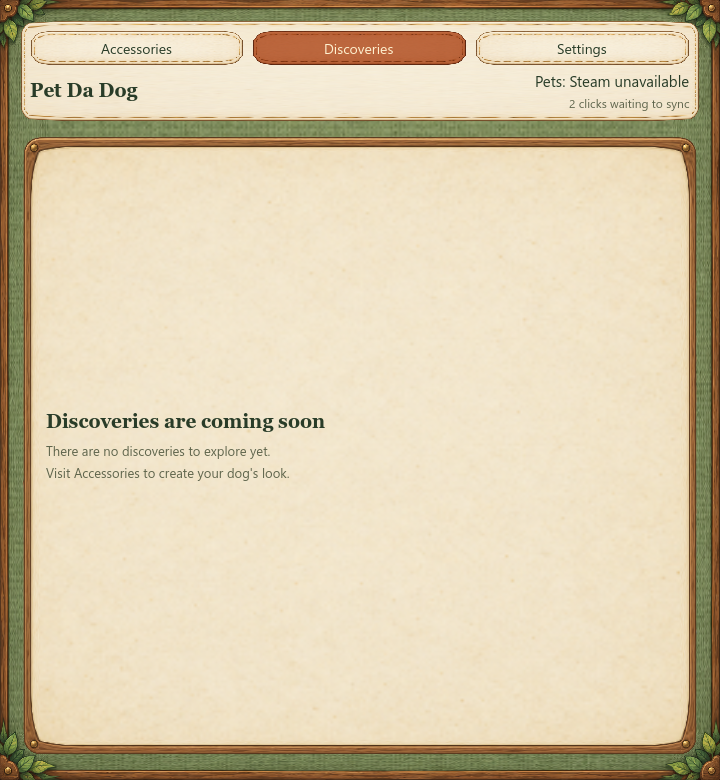
The first Accessories, Discoveries, and Settings tabs followed. The collection pages were placeholders, but they gave us room to grow. Clicking the dog made a heart float up, and right-clicking opened the menu.
03
June 1, 2026
Making the menu our own
We moved the menu into editable Godot scenes, making it easier to shape the layout and styling directly in the editor. It was a small step toward a game that could keep changing as new artwork and ideas arrived.
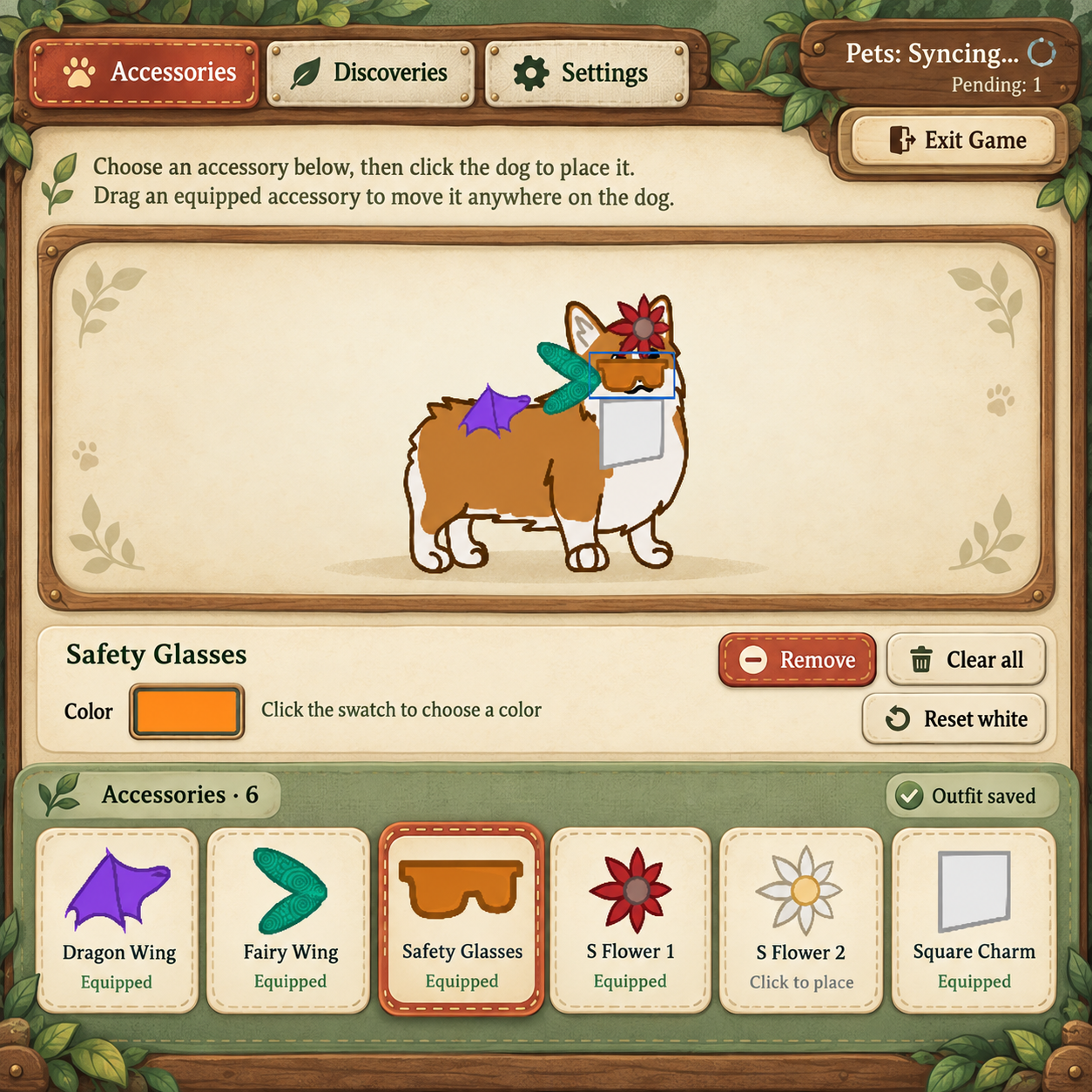
The Woodland interface, shown in an October 3 development preview.
This June entry comes from the development chats; the October interface image above shows a later design.
04
October 3, 2026
Time to accessorize
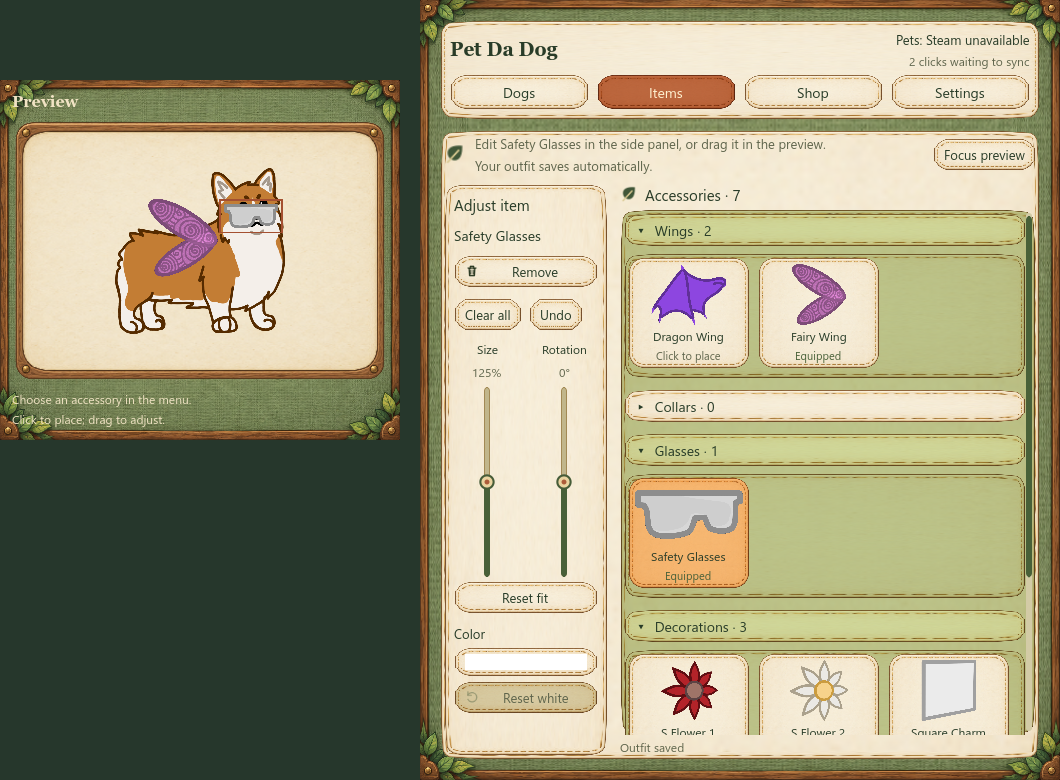
The wardrobe started coming to life. We built an accessory editor for placing items on the dog, dragging them around, resizing and rotating them, and arranging them in front of or behind the dog. Colors, Undo, saved layouts, and an editable text accessory joined the fun.
We also gave the dog somewhere to go: a patrol editor where you can place stops on your desktop and have your companion follow the route.
An early wardrobe workspace. This version used a separate preview; editing later moved directly onto the desktop dog.
In the early route editor, stops were numbered: 1 → 2 → 3 → 1. You could drag a stop to move it or right-click to remove it. The Shop was still a coming-soon page at this point.
We spent this stretch making the interface easier to shape in Godot and bringing in more of the game’s artwork. Menu panels, dog and item images, icons, and accessory controls all got attention.
The result was a clearer home for the game’s four main areas: Dogs, Items, Shop, and Settings.
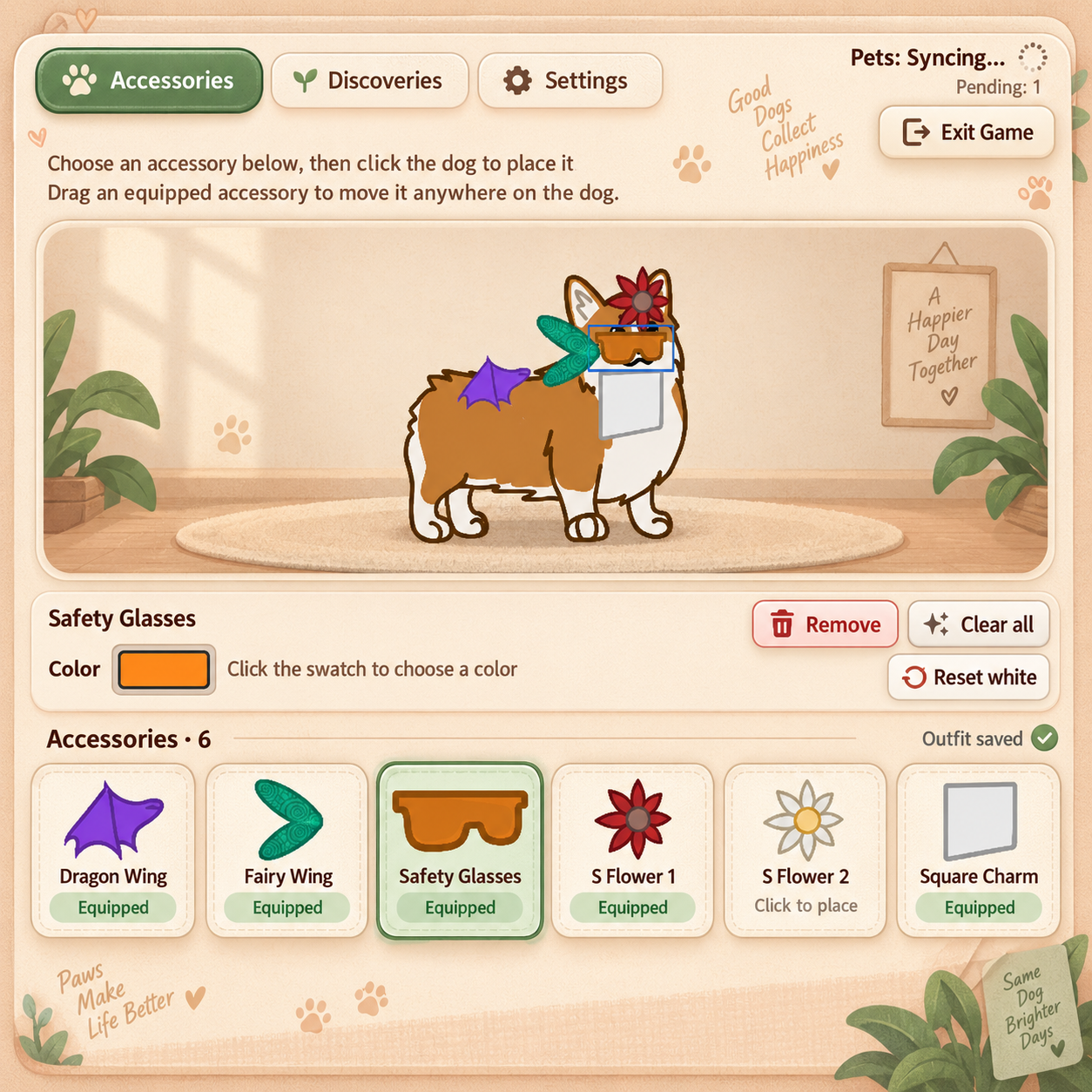
One design experiment explored four different looks: Warm Paw Café, Sticker Club, Moonlit Meadow, and Woodland Workshop. Woodland won out, bringing its leaves, wood, parchment, and stitched details into the interface.
Warm Paw Café: AI-generated design mockup from October 3, not a game screenshot.Woodland Workshop: AI-generated design mockup from October 3, selected for the real interface.
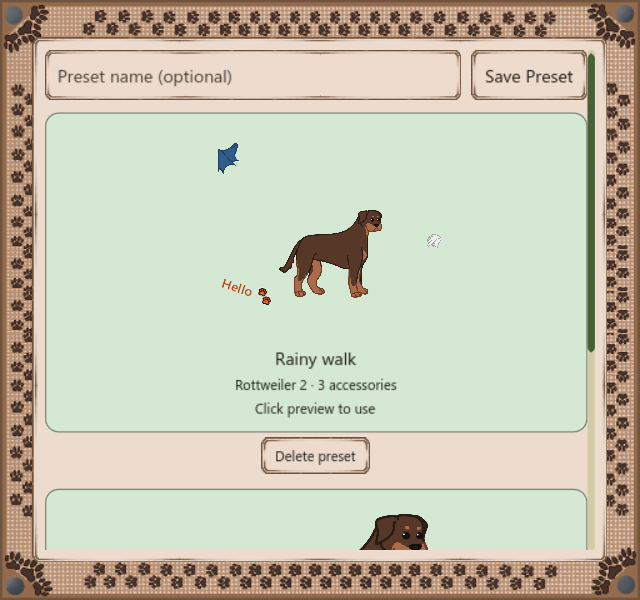
We connected dog and accessory ownership to Steam Inventory, built the first box workflow, and added outfit presets. Put a look together, save it with a preview, and bring it back later.
We also expanded how Pets are earned. Ordinary keyboard and mouse presses around the desktop could now contribute while your companion kept you company. Stationary and Bounce options gave players more control over how the dog moved.
A later test capture of the saved-outfit interface.
07
October 18–19, 2026
More dogs, more ways to dress them
A big art import brought in 20 dogs and 20 accessories, along with a little petting hand. Eight more dog variants followed, bringing the local catalog to 73 dogs.
Outfits got more flexible too: players could place multiple owned copies of an accessory, adjust each one independently, and save the result. Horizontal flipping, a desktop Pets counter, a menu shortcut, and separate font sizing joined the settings.
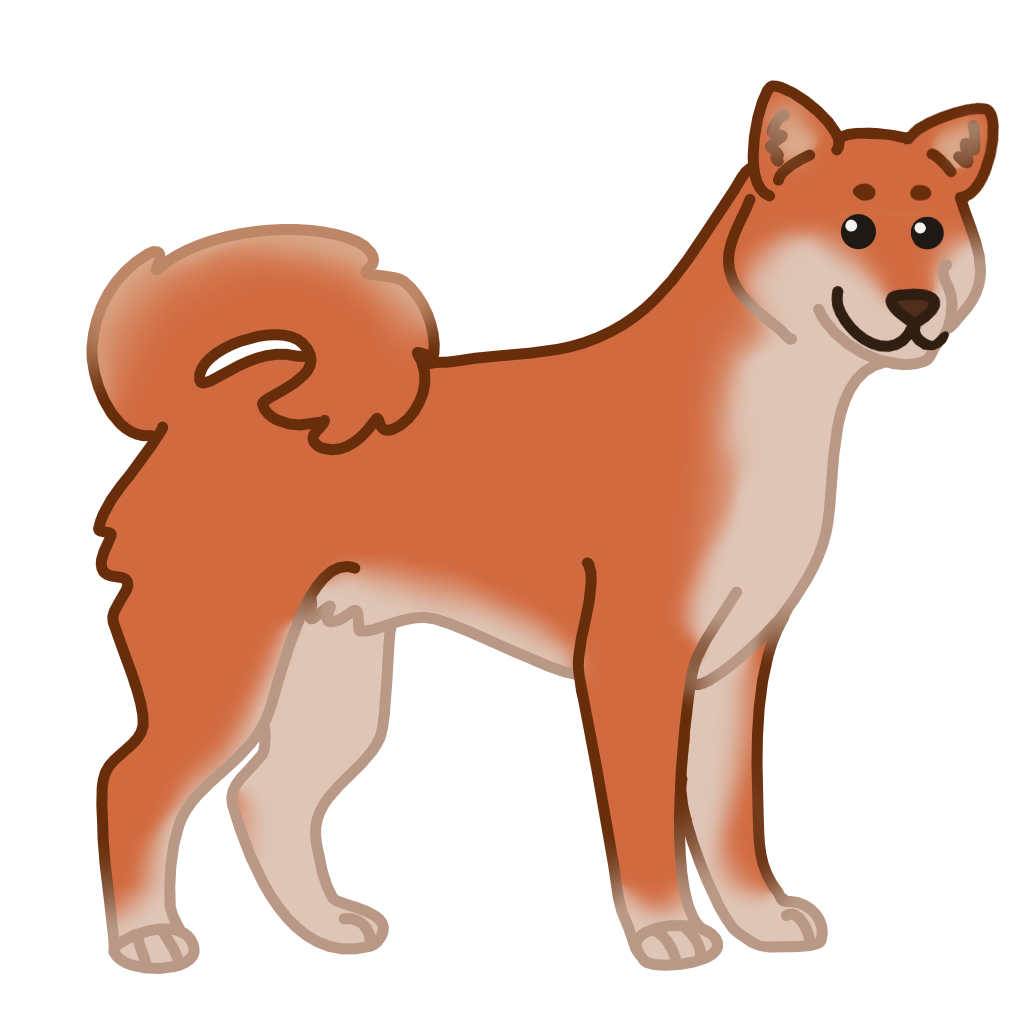
A Shiba variant from the October 19 art integration.
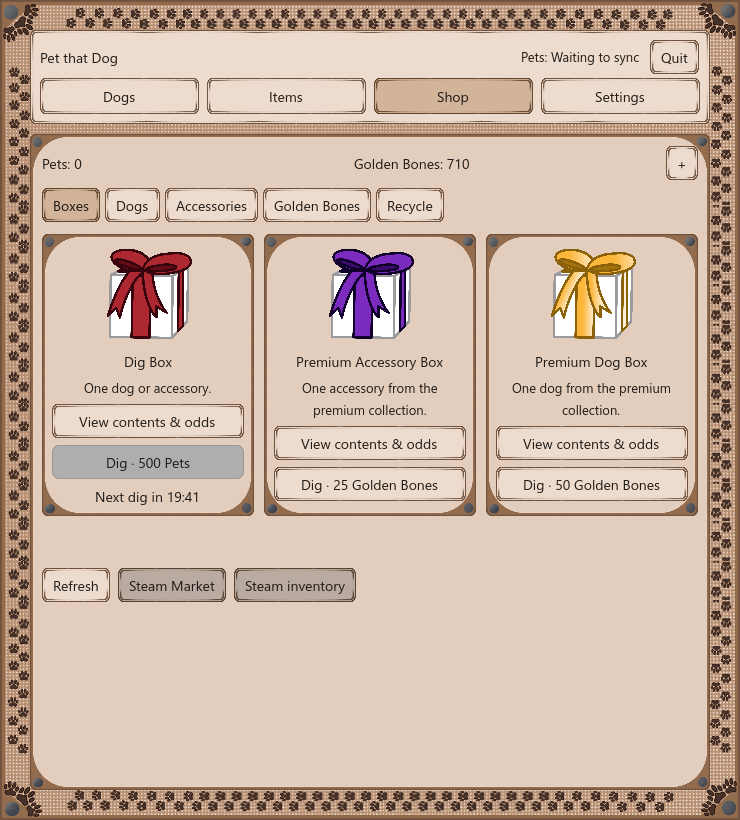
The Shop grew into a place to spend and collect. We added the Pets-priced Dig Box, premium dog and accessory boxes, direct cosmetic purchases, and a way to recycle spare cosmetics for Golden Bones.
Opening a box got its own moment: the dog digs, a present appears, and the reward is revealed. The initial Golden Bones Shop economy went live.
A later Shop test capture. Balances and timers are example test values.
09
October 28, 2026
Cleaning up the toy box
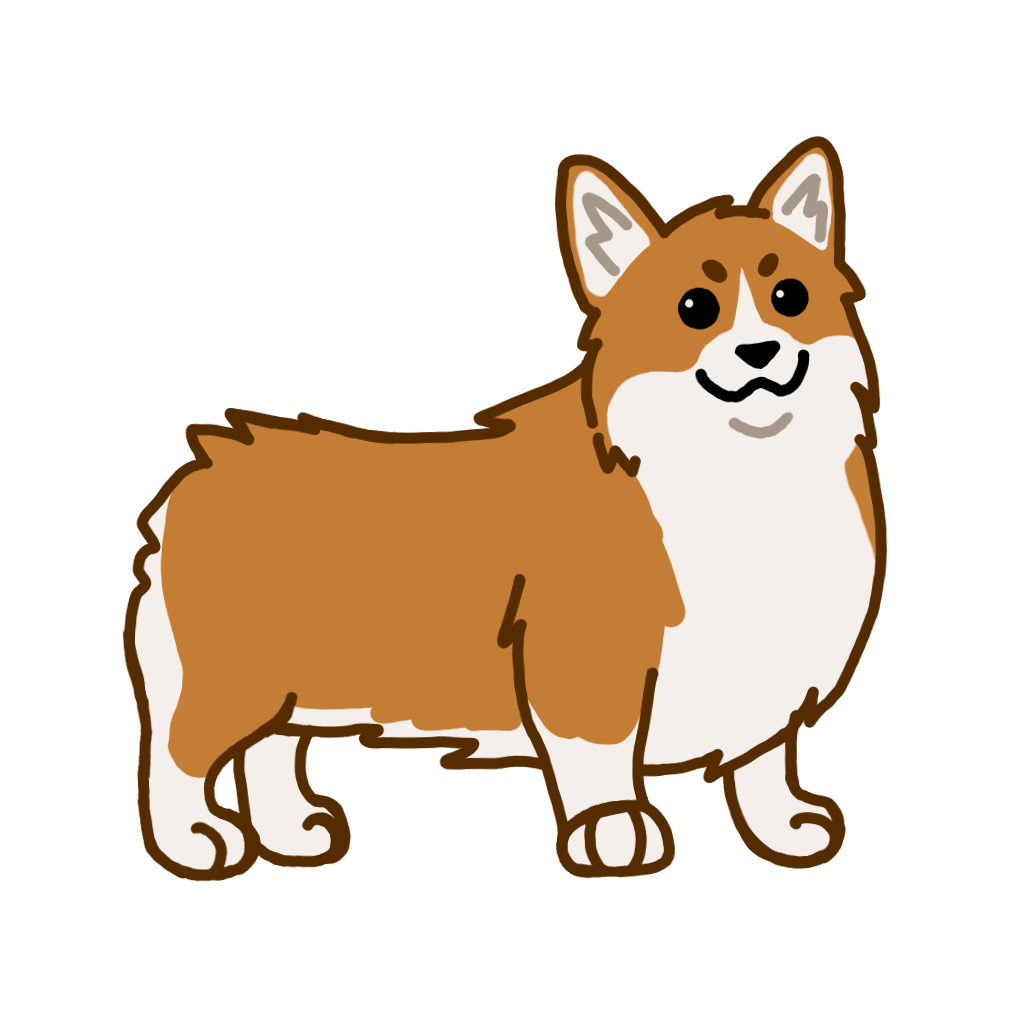
We gave the game another visual pass, refreshed menus and reward screens, and made the Corgi the fallback mascot. We also went through the shared artwork library, brought in four missing dogs and store images, and cleaned up duplicate files.
The new dogs were prepared for a later release, giving us room to keep expanding the collection.
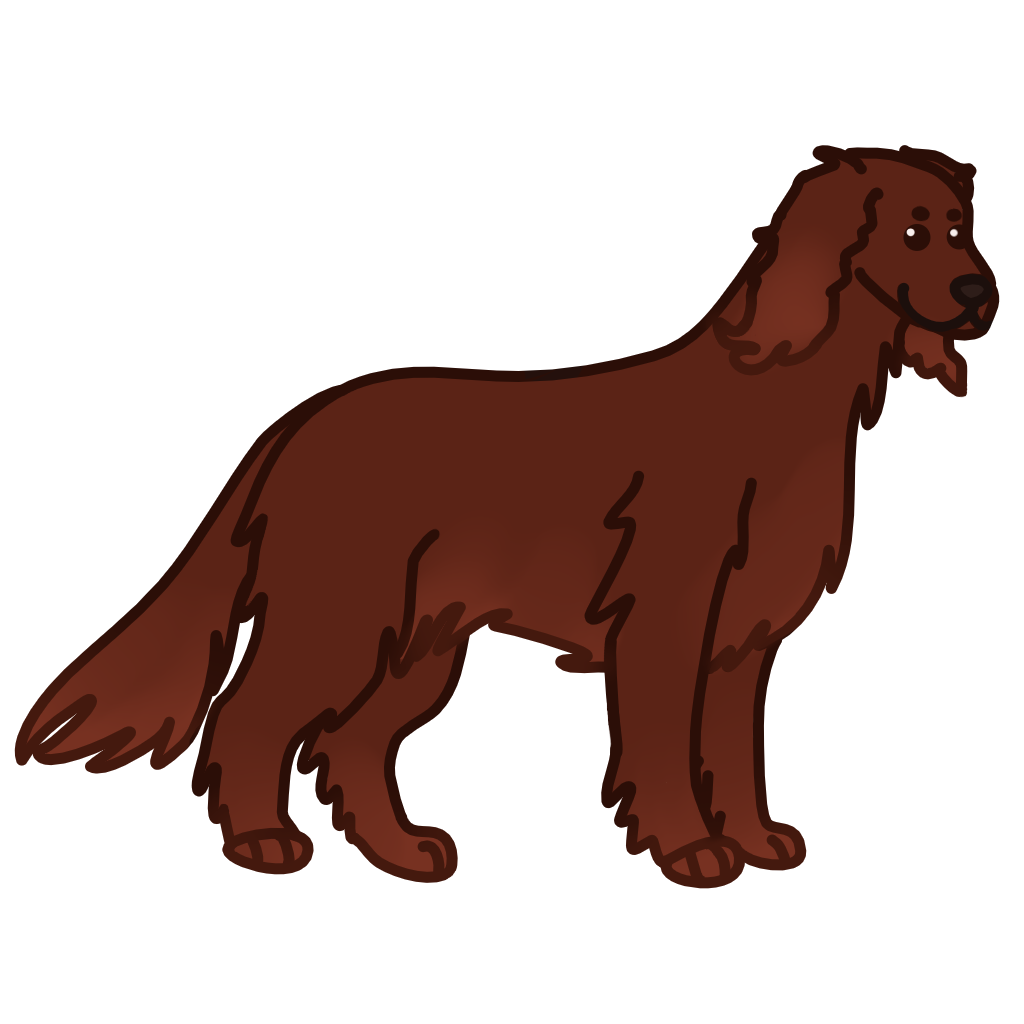
Irish setter artwork added in the October 28 content import.
We made earning and spending Pets smoother by sending earnings in batches and accounting for eligible earnings before a purchase. We also prepared a refreshed Windows build and moved the live service while preserving player records.
We focused on making the Shop clearer and more dependable: unaffordable purchases became visibly disabled, errors stayed visible, and recycling got fixes.
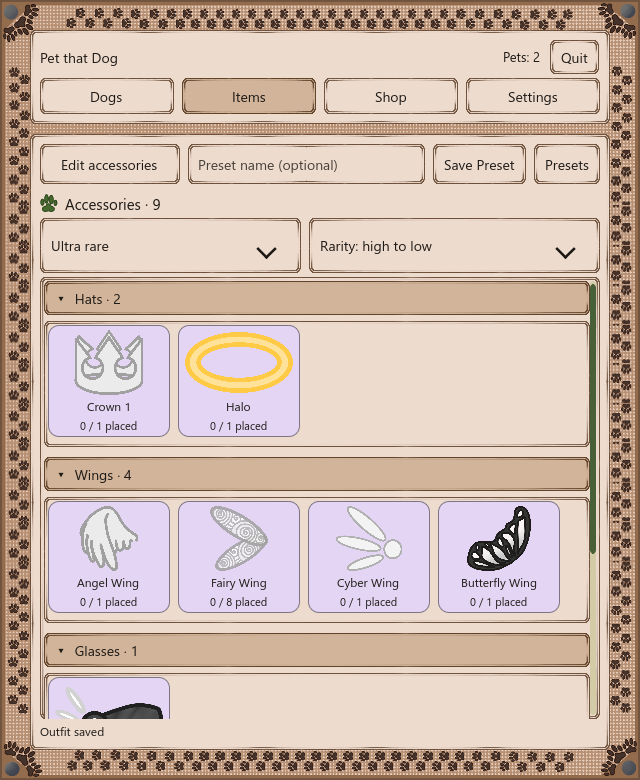
Items now opens in browse mode, with an Edit accessories button when you’re ready to dress your dog. We improved which accessories can be recolored, polished menu readability, and made the dog move more smoothly when the Windows taskbar appears or disappears.
We added separate controls for walking and hopping speed, wider accessory placement, plus and minus buttons on sliders, and an option to show the Pets counter above the dog.
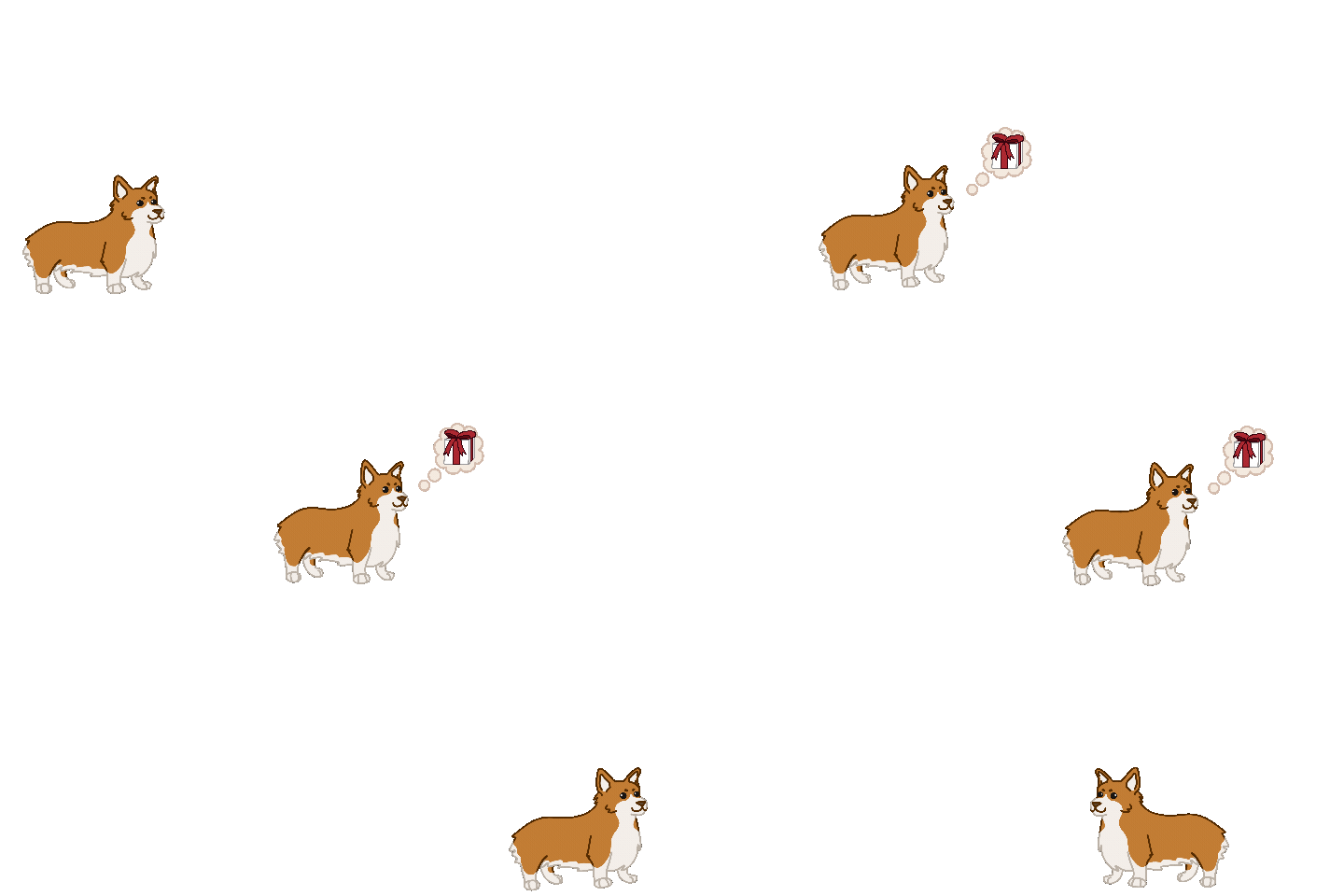
A little thought bubble now lets you know when a box is ready. We added visible drop odds and a floating Golden Bones receipt for recycling. Twelve more dogs joined the local collection, bringing it to 89.
A real in-game animation captured with a test fixture.
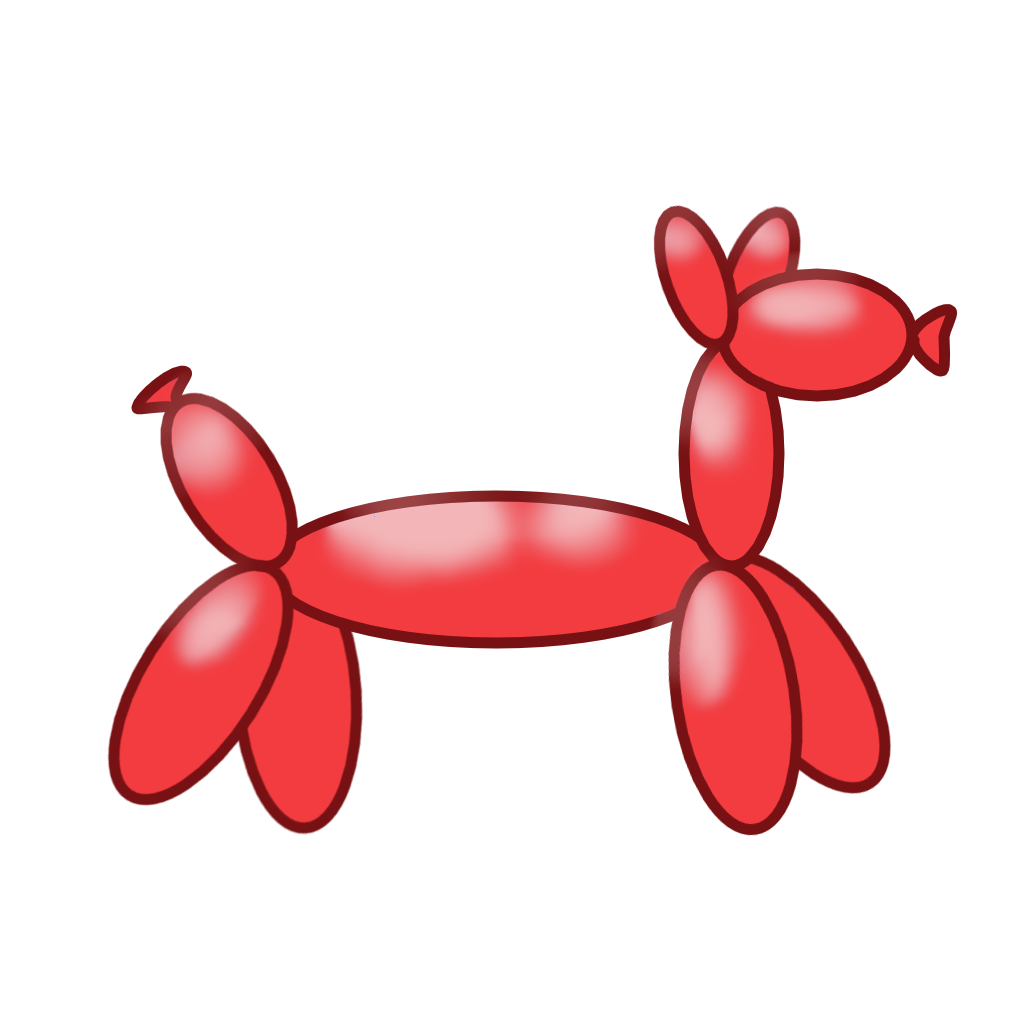
Balloon dog artwork added with the November 2 dog expansion.
13
November 3, 2026
A bigger collection goes live
We added typing-triggered petting feedback, more dog-size and speed controls, and 21 new accessories. The expanded Steam inventory went live with 89 dogs and 84 accessories to collect.
We also prepared a matching Windows build locally. The game-client upload was still outstanding at this point, so the inventory update and the client build had separate release steps.
A later test capture of the petting feedback.
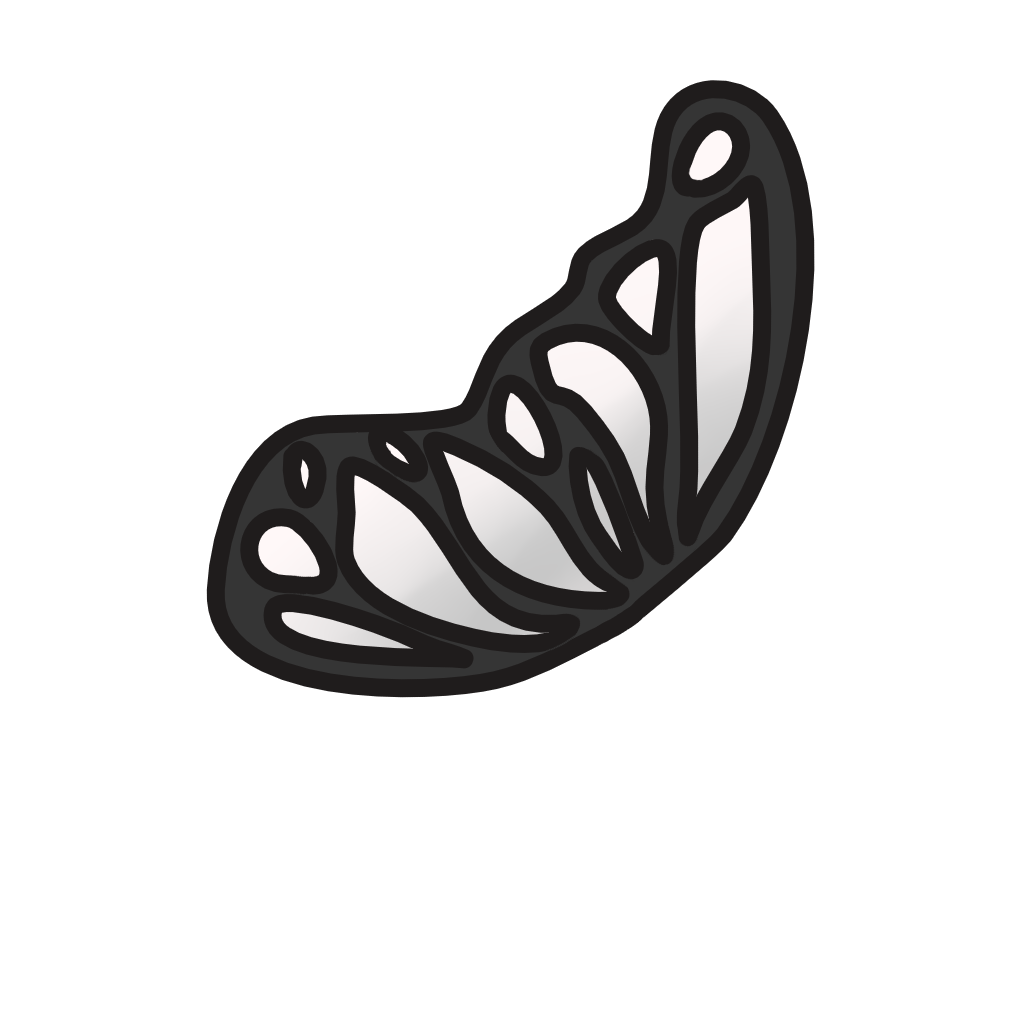
Butterfly Wing was among the accessories added on November 3.
We kept polishing the collection experience with rarity colors, filters, and sorting across the Shop, Dogs, and Items. We refined browsing and petting feedback, updated the heart artwork, and built a separate developer test setup.
Changes to rarity pricing, box pools, and currency packs were prepared locally. A service update went live using the existing published Steam recipes; the revised economy and client were still staged.
A development test capture of the newer Items interface.
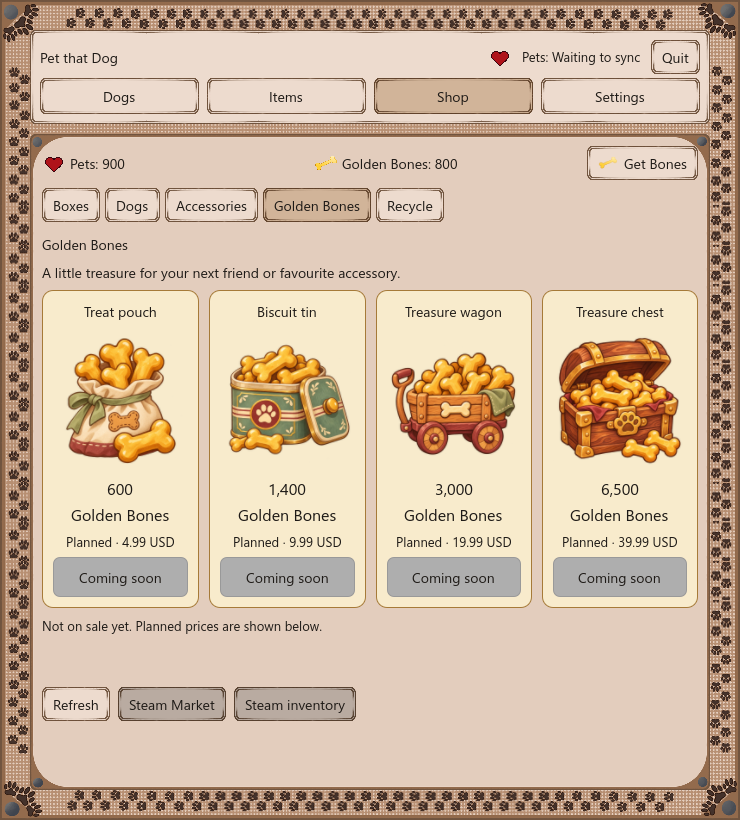
We also illustrated a treat pouch, biscuit tin, treasure wagon, and treasure chest for the planned Golden Bones packs, and added heart icons for Pets. The pack screen was presented as a preview with purchases marked “Coming soon.” We made an offline trailer setup for capturing the game too.
November 4 development preview. Pack amounts and prices are planned, and the screenshot shows test balances.